
Surveys for Social Media and Messengers: 3 Platforms That Thrive on Mobile Traffic
If most of your clicks come from Instagram, WhatsApp, Telegram or TikTok, sending people to a clunky desktop-style survey is a great way to lose them. Mobile users give you just a few seconds of attention – and if your form doesn’t load fast and look good on a vertical screen, they’re gone.
For developers and marketers like those behind PenWebWriter, this is a UX problem first, and a tool choice problem second. The right platform makes it easy to build mobile-friendly surveys, share them via short links or buttons in messengers, and still get usable analytics at the end.
In this article, we’ll look at what matters most when you run surveys through social media and messaging apps, then walk through a mini-ranking of three tools that perform well in this environment: Jotform, SurveySparrow and SurveyNinja.
What Matters for Surveys in Social Media & Messengers
When your traffic comes from feeds, stories, or chats, your surveys have to meet some specific criteria.
Fast, Mobile-First Experience
Most visitors will be on 4G/5G or public Wi-Fi, often on the move. Your survey tool should:
- Render perfectly on small screens
- Use one-question-per-screen or compact layouts
- Load quickly, even on weaker connections
If the first screen looks cramped or slow, people simply close the tab and jump back to the app.
Easy Sharing via Links and Buttons
You’re not embedding these forms into big landing pages – you’re dropping them into:
- Swipe-up links in stories
- “Tap to answer” buttons in broadcast messages
- Pinned posts or link-in-bio pages
Short, clean URLs and easy redirection make this much smoother.
Conversational Feel
People on social media or in messengers are in “chat mode,” not “corporate questionnaire mode.” Tools that support:
- Chat-like layouts
- Progress indicators
- Friendly microcopy
tend to perform better than barebones, stacked form fields.
Actionable Analytics
Even when your survey is short, you want more than yes/no answers. Look for:
- Quick visual reports you can show to clients or teammates
- Basic segmentation (by campaign, source or audience)
- Easy export if you want to plug results into dashboards or scripts
With that checklist in mind, let’s look at three platforms that play nicely with mobile and messenger traffic.
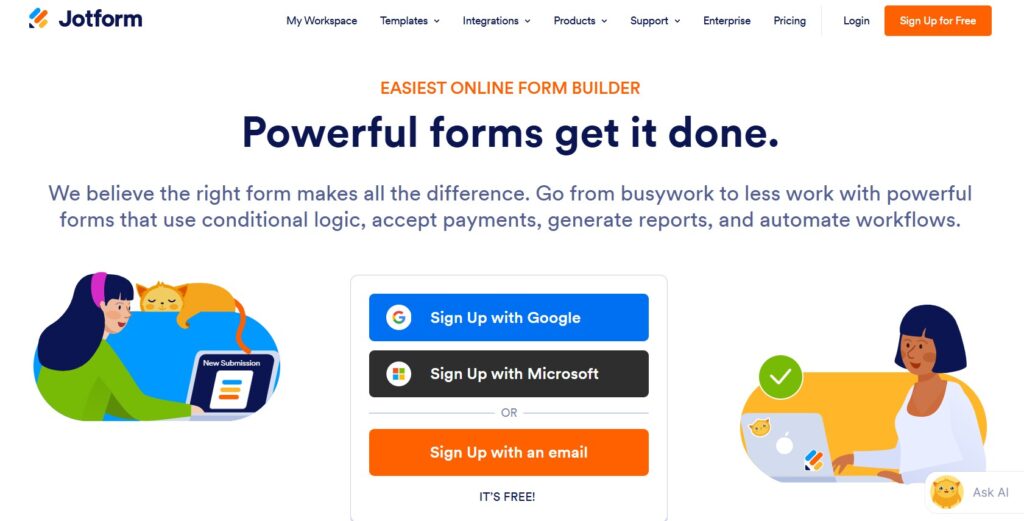
1. Jotform - Flexible Forms with Solid Mobile Support
Best for: creators and small businesses that want one tool for everything – surveys, sign-ups, payment forms, and quizzes.
Jotform’s biggest strength is versatility. You can build almost any kind of form, from a simple Instagram feedback survey to a full application form with file uploads. For social and messenger traffic, two features stand out:
- Jotform Cards: a one-question-per-screen layout that feels far more natural on phones than a long stack of fields.
- Responsive themes and templates: most designs adapt nicely to vertical screens without extra work.
Sharing is straightforward: you grab a link and drop it into your social post, story, or chat. You can create different links for different campaigns so you know which source brought which answers.
Pricing & Plan Limits
Jotform’s free plan allows up to 5 active forms and 100 monthly responses — enough to test the tool, but easy to outgrow once you start running active social campaigns. Paid plans start at around $34/month (Bronze) and raise those limits significantly. If you’re running a campaign across multiple channels simultaneously, it’s worth checking your expected response volume before committing to the free tier.
Pros for mobile traffic
- Very easy to get started; drag-and-drop builder
- Card layout mimics the “tap and swipe” feel users expect
- Integrations with tools like Mailchimp, Google Sheets, and CRMs
- Conditional logic built in: you can show or hide questions based on previous answers, which keeps surveys short and relevant for different audience segments — useful when the same link goes to different follower groups.
- Auto-generated QR codes: every Jotform survey comes with a QR code out of the box — handy for bridging offline touchpoints (event stands, printed materials) with your social campaign.
- Reporting basics included: Jotform shows response summaries and visual breakdowns natively; for deeper analysis, it connects cleanly with Google Sheets, Airtable, and Zapier.
Things to keep in mind
- Free tier fills up fast: 100 responses per month sounds generous until you run one decent Instagram story campaign. Plan for an upgrade if you expect even moderate traffic.
- Card layout isn’t the default: Jotform Cards — the one-question-at-a-time mode that works best on mobile — is a separate format you have to select deliberately when creating a form. New users often miss it and end up building a traditional stacked layout by accident.
If you mainly need short, conversational polls, Jotform can feel a bit “form-heavy.” It’s excellent as an all-purpose form builder, but less specialized in chat-style survey experiences.
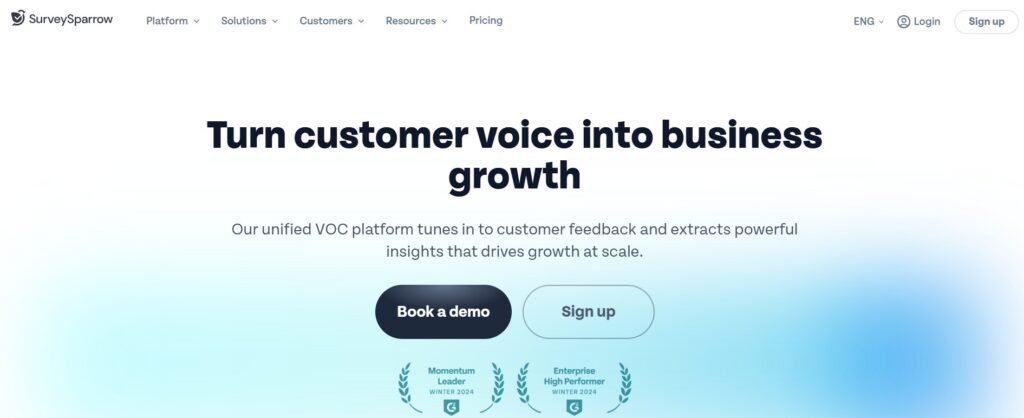
2. SurveySparrow - Conversational Surveys with a Chat Feel
Best for: brands that want surveys to feel like messaging – especially for NPS and quick sentiment checks.
SurveySparrow leans hard into the conversational interface. Instead of seeing a static form, respondents get a flowing sequence of questions that looks more like a chat than a spreadsheet.
What this looks like in practice: imagine you’ve just launched a new product and you want quick sentiment data from your Telegram channel. You create a 5-question NPS flow in SurveySparrow, drop the link into a broadcast message, and respondents answer question by question as if they’re replying in a chat. The completion rate on this kind of flow typically outperforms a static form because the experience matches the context — people are already in “messaging mode.”
For social and messenger-driven campaigns, that UX is powerful:
- Chat-like surveys: respondents answer by tapping buttons or typing responses as if they’re texting a friend.
- Recurring surveys and NPS: useful if you run regular satisfaction checks after each launch or cohort.
- Multi-channel sharing: links can be embedded in emails, chats, and social posts with ease.
- Recurring surveys on autopilot: you can schedule surveys to go out automatically at set intervals — after each product release, every Monday, or once a month — without rebuilding the flow each time. Useful for teams that want a consistent pulse on audience sentiment without manual effort.
- White-label option: on paid plans you can replace SurveySparrow’s branding with your own logo and colors, which matters if you’re running surveys as part of a client-facing campaign or branded research project.
Pros for mobile traffic
- Very natural on mobile: the conversation layout fits right into the mental model people already have from WhatsApp, Telegram etc.
- Good at short, high-engagement surveys where completion rate matters more than long questionnaires
- Built-in NPS flows for product and service feedback
Things to keep in mind
- Free plan is tight: the free tier limits you to around 100 responses per month and doesn’t include custom branding. For any real campaign volume, you’ll be looking at a paid plan.
- No native Telegram or WhatsApp integration: SurveySparrow works through links, not through native bot integrations. Respondents tap a URL and leave the messenger app to answer — there’s no in-chat survey experience. This is fine for most use cases, but worth knowing if you were expecting seamless in-app flow.
Analytics are solid for quick reads, not for research depth: the reporting works well for simple satisfaction scores and yes/no breakdowns. If your survey involves complex cross-tab analysis or large-scale data modeling, you’ll likely need to export and work in a separate tool.
SurveySparrow’s strength is conversation, not complex logic or heavy data modeling. For complex research projects with dozens of branches, you might look at more advanced tools – but for social-driven quizzes and feedback flows, it’s a great fit.
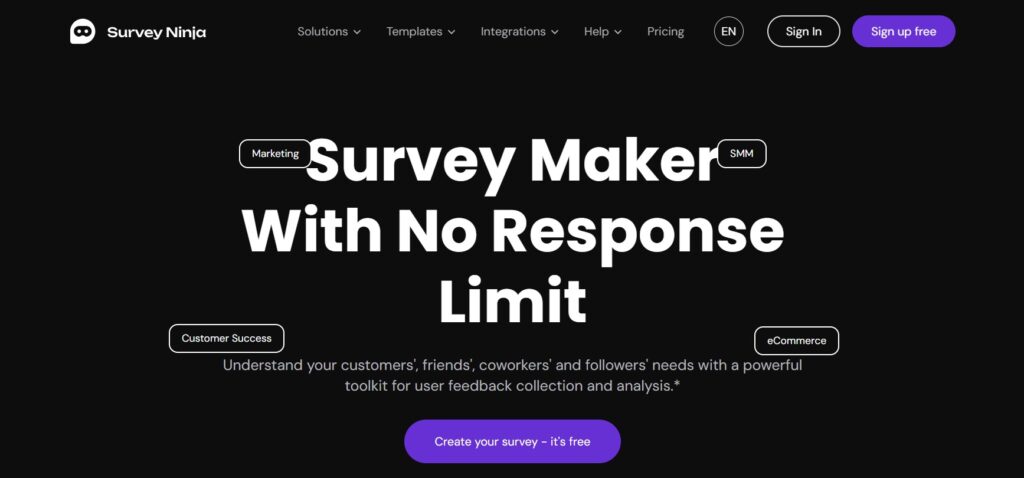
3. SurveyNinja – Insight-Focused Surveys That Still Work Great on Mobile
Best for: creators and teams who want an easy survey builder, clean mobile layouts, and analytics strong enough to guide product and content decisions.
SurveyNinja is designed to sit in that sweet spot between “too simple” and “too enterprise.” For social media and messenger use, it offers a combination of speed, flexibility, and clarity in reporting.
Getting started and pricing
SurveyNinja offers a free trial so you can test the platform before committing. Paid plans are tiered by response volume and feature access — worth checking their pricing page directly, as plans are updated regularly. The setup is fast: account creation, survey build, and first share can realistically happen within 20–30 minutes for a simple campaign.
Supported question types
SurveyNinja covers the formats you’ll actually use in social and messenger campaigns: multiple choice, single select, rating scales, NPS (0–10), open text, dropdown, and yes/no. This is enough for the majority of audience research and feedback flows without overloading respondents with format variety.
Why it works well with mobile traffic
- Clean, responsive layouts: surveys automatically adapt to phone screens, with clear buttons and typography that’s easy to tap and read.
- Fast setup: you can create a survey, grab its link, and share it in a broadcast message or social post in minutes.
- Logical branching: send people to different follow-up questions based on their previous answers – perfect for segmenting your audience directly inside the survey.
- Multiple sharing options: beyond a standard link, SurveyNinja supports QR code generation and embeddable widgets — so whether you’re posting in a Telegram channel, adding a link to an Instagram bio, or embedding a feedback form on a landing page, you have the right format available.
- Branching depth: the conditional logic supports multi-level branching — meaning you can route respondents through meaningfully different question paths based on several prior answers, not just one. For segmenting a mixed audience (e.g., existing customers vs. new visitors arriving from a paid ad), this makes a real difference in the quality of data you collect.
From a developer’s perspective (very relevant for a portfolio like PenWebWriter), SurveyNinja also makes it straightforward to integrate surveys into broader workflows: you can export data or hook it into your reporting stack so each campaign’s results are easy to compare.
Analytics that go beyond “just responses”
What sets SurveyNinja apart from many lightweight tools is how it helps you read the story behind the numbers:
- Visual dashboards for satisfaction, intent, or preference questions
- Easy comparison between different campaigns or audience segments
- Thematic grouping that helps you see which issues or ideas show up repeatedly in open-text responses
- Export formats: results can be exported as CSV or Excel, making it straightforward to pull data into your own reporting stack — Google Sheets, a client dashboard, or a custom script. This is particularly relevant if you’re managing surveys across multiple campaigns and want consistent data handling rather than living inside the tool’s own interface.
- On “thematic grouping”: this refers to automatic clustering of open-text responses by recurring keywords and topics — so instead of reading through 200 individual comments manually, you see that “pricing,” “onboarding,” and “support speed” each came up in clusters. It’s AI-assisted, not manual tagging, which is worth clarifying for readers evaluating the tool for qualitative research.
If you run multiple experiments – different landing pages, content angles or offers – SurveyNinja gives you a clear way to see which direction your audience prefers.
Quick Comparison
Jotform | SurveySparrow | SurveyNinja | |
Free plan | Yes (5 forms, 100 responses/mo) | Yes (100 responses/mo) | Free trial available |
Chat / conversational layout | Via Jotform Cards (manual setup) | Native, default experience | Clean single-screen layout |
Conditional logic | Yes, multi-level | Yes, basic branching | Yes, multi-level |
Recurring / scheduled surveys | No | Yes | No |
QR code generation | Yes | No | Yes |
Analytics depth | Basic (better via integrations) | Good for NPS and quick reads | Good; includes thematic grouping |
Data export | CSV, Google Sheets, Zapier | CSV | CSV, Excel |
Best for | All-in-one form builder | Chat-style feedback flows | Balanced analytics + mobile UX |
How to Pick the Right Tool for Your Social & Messenger Surveys
All three platforms can handle simple mobile surveys. The question is which one matches your workflow and goals:
- Choose Jotform if you want one tool that covers a wide range of form needs – applications, payments, lead capture, plus surveys.
- Choose SurveySparrow if you’re obsessed with conversational, chat-like flows and want your surveys to feel like natural messaging.
- Choose SurveyNinja if you need a mobile-friendly survey tool that also gives you enough analytics to make serious decisions about your content, product, or campaigns – without feeling heavy or overcomplicated.
A Simple Playbook for Mobile-First Survey Campaigns
Whatever platform you choose, a good process matters more than the logo on the survey:
- Start with one clear question. Are you trying to understand content preferences, product fit, pricing, or satisfaction? Let that drive your survey design.
- Keep it short. Social and messenger users have minimal patience. Aim for 3–7 questions, max.
- Use plain language. Ask questions the way you’d ask them in a DM, not in a corporate report.
- Tag or track your traffic source. Use separate links or UTM tags for “Instagram stories,” “Telegram channel,” “email,” etc., so you know which channel brings engaged respondents.
- Share back what you learned. Post a quick summary or visual of the results. People love seeing that their answers actually influenced your next move – and they’re more likely to respond next time.
Mobile and messenger traffic is messy, fast, and full of potential. With the right survey platform – whether that’s Jotform, SurveySparrow or SurveyNinja – you can turn casual taps and swipes into structured insight that shapes your next campaign, product or piece of content.